

npm install away.
Once signed, packaged builds are published they’ll appear on the
Releases page.
Prerequisites
1
Node.js 22 or newer
Required — FilDOS relies on the built-in
node:sqlite module, which needs
Node 22 / Electron ≥ 35.2
npm
Ships with Node. Used for install and all project scripts.
Run the desktop app
1
Clone the repository
2
Install dependencies
This also installs the git pre-commit hook.
3
Start the dev server
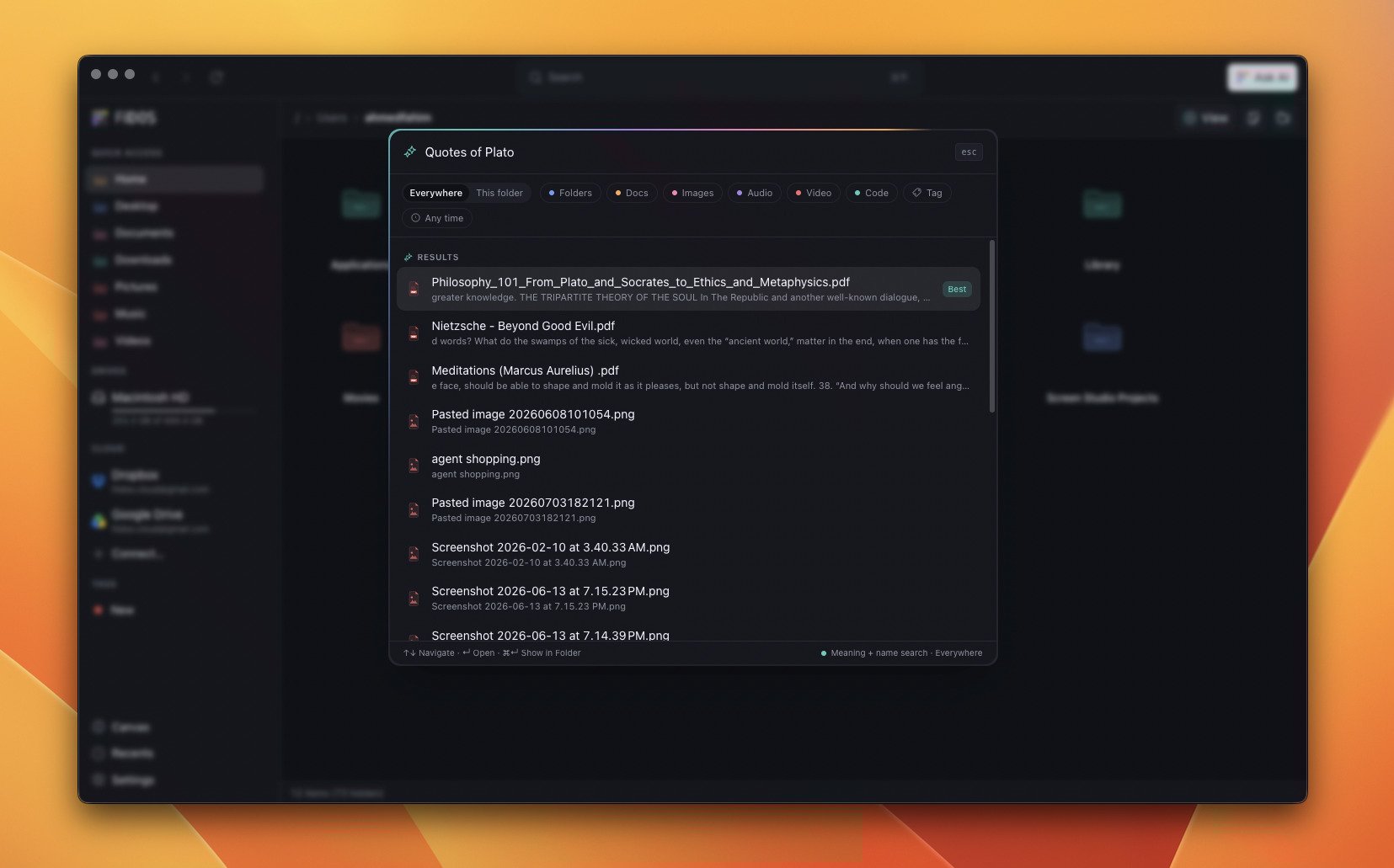
Semantic search — meaning + name search, fused into one ranked list.
Build a production bundle
Optional: connect a cloud drive
Cloud-provider OAuth credentials (Google Drive, Dropbox) are optional and only needed if you want to test those integrations locally. Copy.env.example to
.env and fill in the values. See Cloud Drives for
details.
Verify your setup
Run the checks to confirm everything is wired up correctly:Next steps
Search by Meaning
Download an embedding model and start indexing your files.
Ask AI
Pick a local LLM and chat with your documents.
File Management
Keyboard shortcuts, drag-and-drop, and the undo stack.
Architecture
How the process boundary and IPC contract hold the app together.