

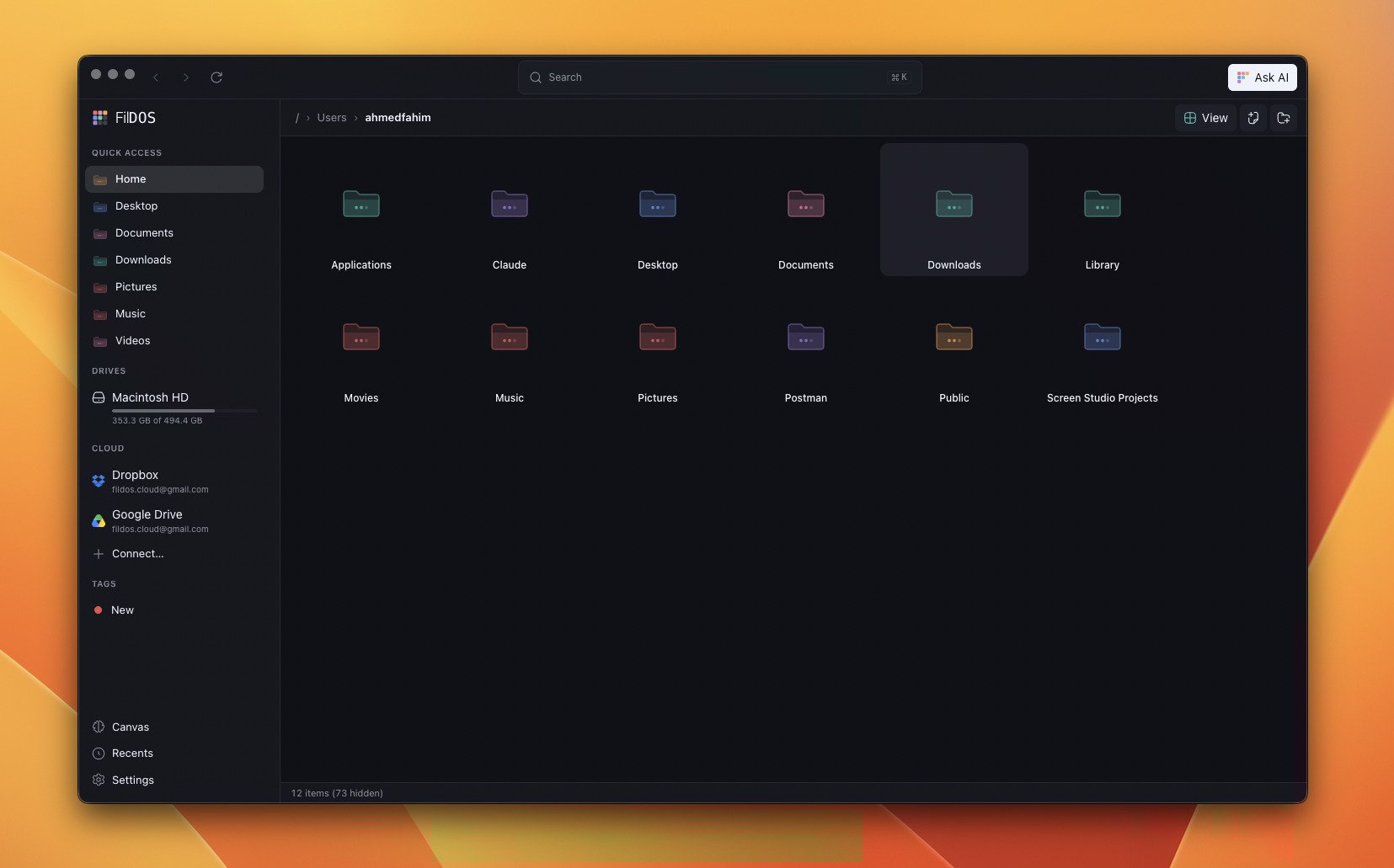
List, grid, and gallery views share the same virtualized engine.
Views
Switch between three layouts from the View menu:- List — a virtualized table with resizable, reorderable columns.
- Grid — thumbnails at a few icon sizes, with cached previews.
- Gallery — a larger-preview layout for browsing images.
Operations
FilDOS supports the full set of operations you’d expect from a native file manager:
Copies and moves never overwrite — a collision gets a
" copy" suffix instead.
Undo
Every mutation — copy, move, rename, duplicate — pushes an inverse operation onto the undo stack.⌘ Z replays it.
Delete is intentionally excluded from undo.
⌘ ⌫ moves items to the OS
Trash / Recycle Bin via the system API; recover them from Finder or Explorer
if needed. FilDOS keeps no trash of its own.Live updates
The file list subscribes to a non-recursive watch on the current directory. Changes made by other apps (Terminal, Finder, an installer) appear in under a second, debounced to avoid redundant reloads.Drag and drop
- Internal (within FilDOS): move by default, hold
⌥/Altto copy. - Drag out to Finder or Explorer: copies the file(s) to the drop target.
- Drag in from Finder or Explorer: moves or copies into the current directory.
Recents
FilDOS keeps a persistent Recents list that survives across sessions and updates automatically as files move. Open it from the sidebar. Like tags, recents are stored in SQLite and follow files through renames and moves — see Tags & Recents.Next
Tags & Recents
Colour-coded metadata that follows your files.
Search by Meaning
Find files by what’s inside them, not just their names.