> ## Documentation Index
> Fetch the complete documentation index at: https://docs.fildos.cloud/llms.txt
> Use this file to discover all available pages before exploring further.
# Cloud Drives
> Browse Google Drive and Dropbox alongside local folders, through the same interface.
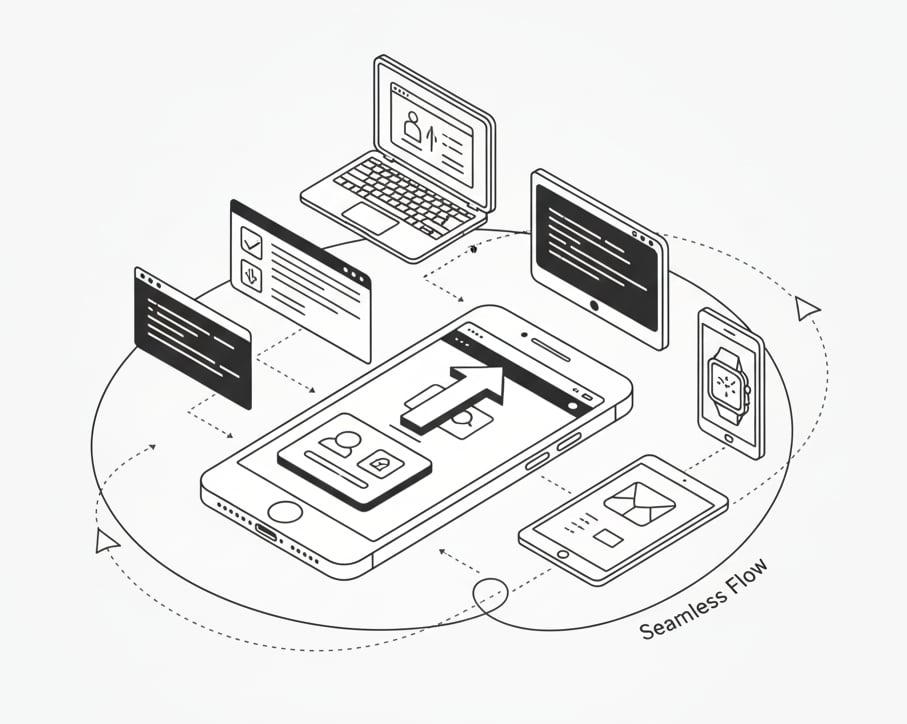
FilDOS can mount cloud storage into the same window as your local files. Connect
a drive and it appears in the sidebar under **Cloud**, browsable with the same
list, grid, and gallery views you use everywhere else.
 ## Supported providers
| Provider | Status |
| ------------- | ---------- |
| Google Drive | Supported |
| Dropbox | Supported |
| More backends | On the way |
Cloud access is built on [`opendal`](https://opendal.apache.org/), so additional
storage backends slot in behind the same interface.
## Connecting a drive
Click **Connect…** in the sidebar and complete the provider's OAuth flow.
For local development you'll need your own OAuth credentials: copy
`.env.example` to `.env` and fill in the client IDs and secrets for the providers
you want to test. See the [Quickstart](/quickstart#optional-connect-a-cloud-drive).
Cloud files are only touched when you browse or open them. FilDOS's on-device
AI features operate on your local index — connecting a drive doesn't upload
anything new anywhere.
## Supported providers
| Provider | Status |
| ------------- | ---------- |
| Google Drive | Supported |
| Dropbox | Supported |
| More backends | On the way |
Cloud access is built on [`opendal`](https://opendal.apache.org/), so additional
storage backends slot in behind the same interface.
## Connecting a drive
Click **Connect…** in the sidebar and complete the provider's OAuth flow.
For local development you'll need your own OAuth credentials: copy
`.env.example` to `.env` and fill in the client IDs and secrets for the providers
you want to test. See the [Quickstart](/quickstart#optional-connect-a-cloud-drive).
Cloud files are only touched when you browse or open them. FilDOS's on-device
AI features operate on your local index — connecting a drive doesn't upload
anything new anywhere.